
After Effects
Clear After Effects cache on Mac

Quick answer
Quit After Effects, empty disk cache in Preferences or purge from the app menu, then review shared Adobe cache with Cache Kid if you need more space. Compositions and footage are separate from cache.
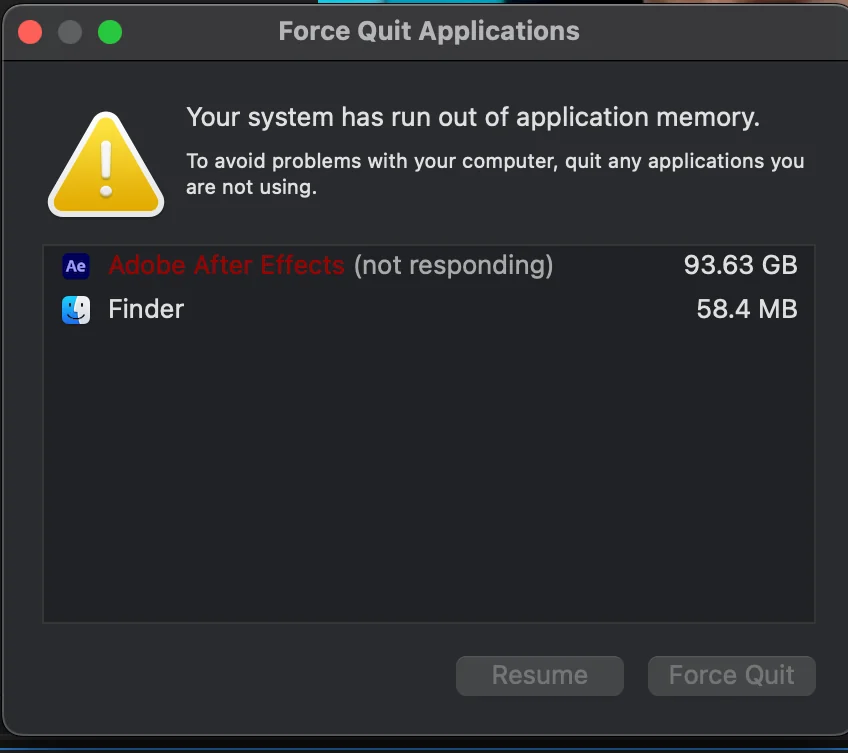
After Effects generates disk cache and media cache to speed up previews and playback. On complex compositions, disk cache alone can grow to many gigabytes. Clearing After Effects cache on Mac is usually safe because After Effects rebuilds cache over time. Close the app first and keep your .aep projects and source footage untouched.
Where After Effects cache lives on Mac
After Effects cache generally falls into two categories:
- Disk cache: rendered frames stored to speed up preview playback. The location is set in After Effects preferences (often under your user Library).
- Media cache: shared Adobe cache used across Creative Cloud apps for decoded media and conformed audio.
Both can grow large on long projects. Cache Kid includes these in its creative app scans alongside other Adobe tools.
Disk cache vs media cache
Disk cache is specific to After Effects compositions you have previewed. Media cache is shared across Adobe apps and helps with footage you import in multiple tools.
Clearing either frees storage, but After Effects and other Adobe apps may need time to regenerate previews afterward. That is normal, and not a sign something went wrong.
Before you clean
- Quit After Effects and other Adobe apps using shared media cache
- Review scan results in Cache Kid before selecting items
- Expect slower previews until After Effects rebuilds disk cache
Manual cleanup vs Cache Kid
| Aspect | Manual cleanup | Cache Kid |
|---|---|---|
| Disk cache location | Check After Effects preferences or hunt through Library folders | Finds known After Effects cache paths in one scan |
| Media cache | Separate from disk cache; easy to miss or confuse | Includes Adobe media cache folders in creative app scans |
| Review before delete | Manual folder deletion with no size preview | Review items and sizes before anything goes to Trash |
| Recovery | Risk of permanent loss if folders are deleted directly | Selected cache goes to Trash first |
Review before you clear
Try Cache Kid for After Effects cache
Cache Kid is a macOS menu bar app that scans known After Effects cache folders, shows you what it found, and moves only what you select to Trash. Scans are free. Nothing is permanently deleted until you empty Trash yourself.
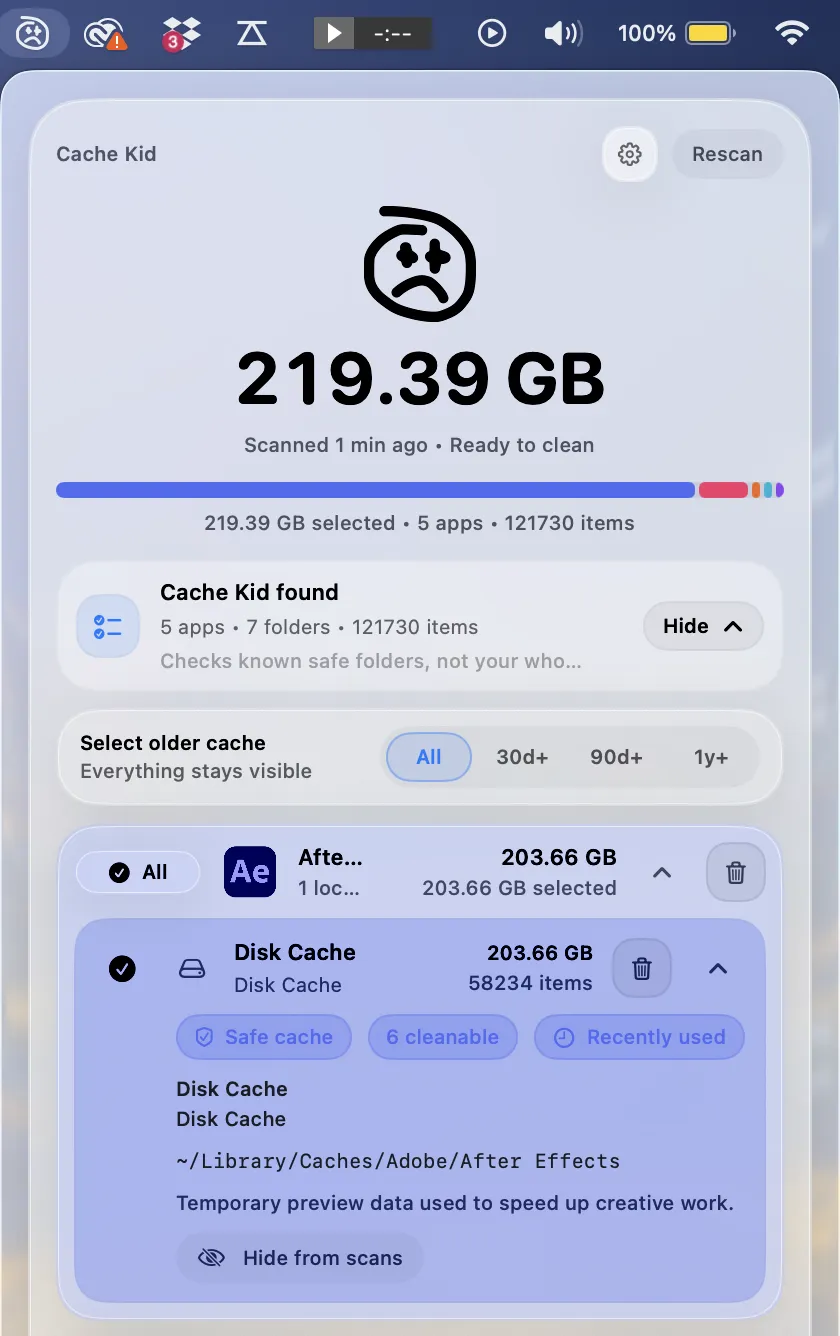
Scan, review sizes and paths, then clear only what you choose from the menu bar.
Scans are free. Upgrade only when you are ready to clear more.
Frequently asked questions
- What is After Effects disk cache?
- Disk cache stores rendered frames so After Effects can preview compositions faster. It can grow large on long or complex projects. After Effects can rebuild disk cache, but previews may be slower until it regenerates.
- Will clearing After Effects cache break my compositions?
- No. Your .aep project files and source footage are separate from cache. Clearing cache may mean After Effects re-renders previews, but your project data stays intact.
- Should I close After Effects before clearing cache?
- Yes. Cache Kid blocks cleanup while After Effects is running so cache is not moved while the app is actively using it.
- Can Cache Kid clear After Effects cache for free?
- Scans are always free. Free users get two full clean runs before upgrading to Cache Kid Pro, a one-time lifetime purchase through the Mac App Store.