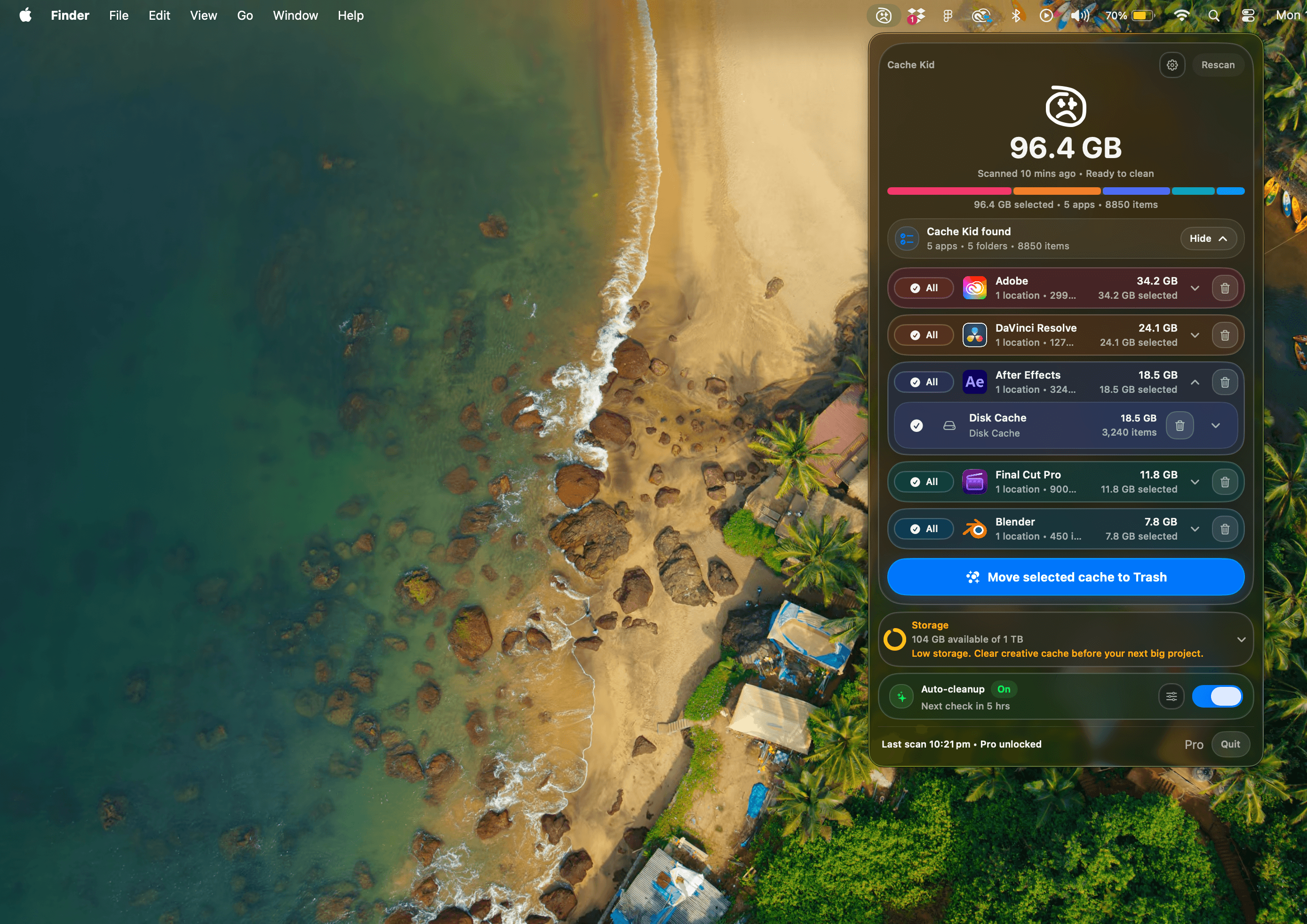
Review before clearing
See exactly what Cache Kid found before anything goes to Trash.


Safely clear creative app cache on Mac
Cache Kid helps creative professionals review Adobe, Premiere Pro, After Effects, DaVinci Resolve, Final Cut Pro, and other creative app cache before moving selected files to Trash. It works locally, with no subscription.
Download on theApp StoreFree scans. Review every path and size before anything moves to Trash.
See exactly what Cache Kid found before anything goes to Trash.
Clear the selected app caches that quietly eat through disk space.
Make room for new projects without digging through hidden folders.
Built for creative Macs
Cache Kid helps editors, designers, photographers, and motion teams find rebuildable cache without digging through hidden folders or risking project files.
Render previews, optimized media, waveforms, and timeline cache from Premiere Pro, Final Cut Pro, and Resolve.
After Effects previews, disk cache, temp renders, and growing project leftovers between revisions.
Thumbnails, previews, temporary files, and app cache from Adobe, Capture One, Figma, and more.
Supported apps
Cache Kid keeps heavy cache folders in check across nearly every creative workflow, from editing and design to motion, audio, and 3D.
 Adobe / Creative Cloud
 After Effects
 Premiere Pro
 DaVinci Resolve
 Final Cut Pro
 Blender
 Cinema 4D
 Photoshop
 Lightroom Classic
 Logic Pro
 Ableton Live
 Figma
Figma+ many more
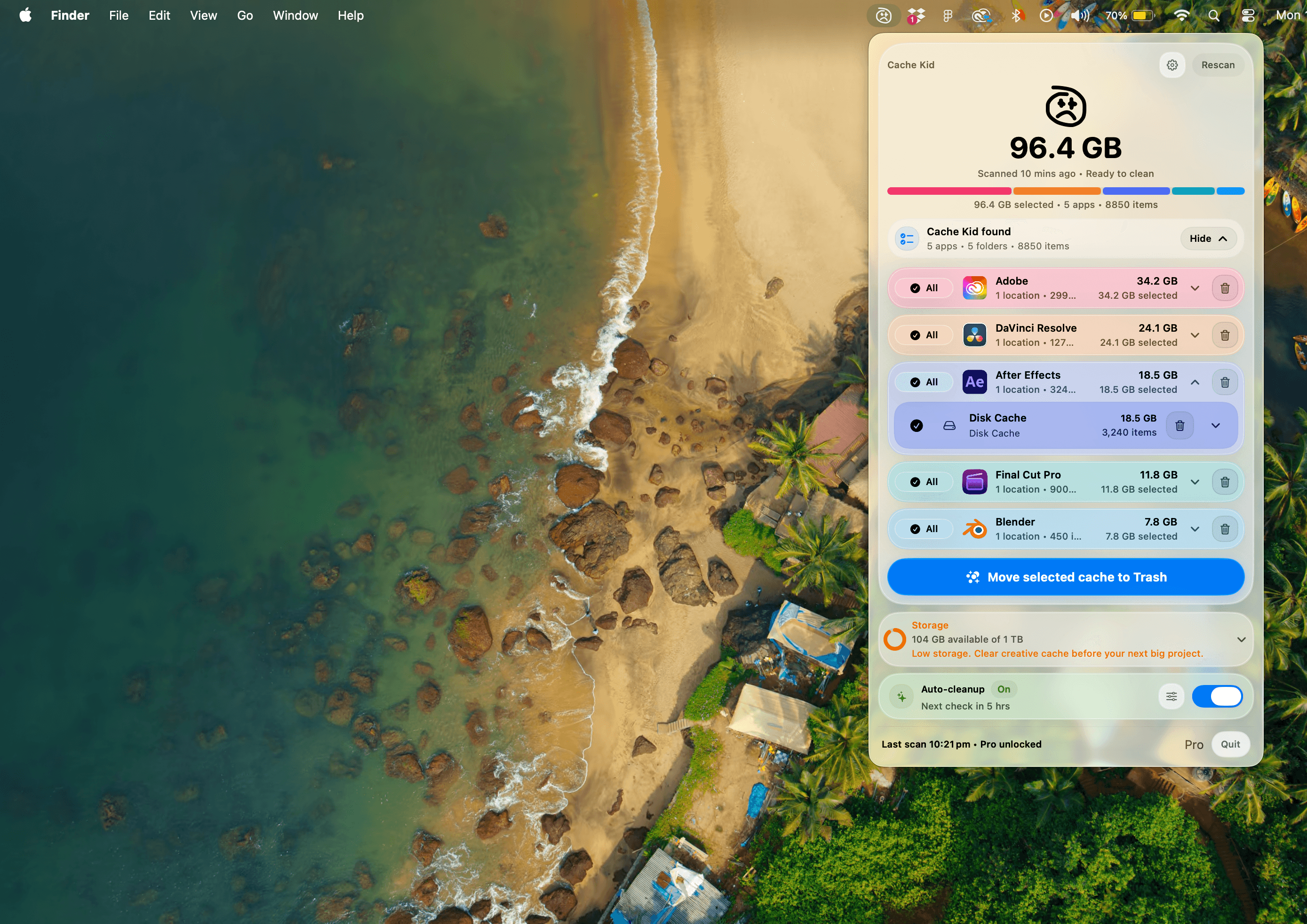
Light and dark
Cache Kid keeps the same calm, review-first workflow across light and dark appearances.
Preview appearance
FAQ
Cache Kid keeps cleanup focused, local, and reviewable so creative cache never feels like a mystery.
Cache Kid finds rebuildable cache, previews, renders, logs, and temporary files from creative apps like Adobe, Final Cut Pro, DaVinci Resolve, Blender, Figma, Capture One, and Logic Pro.
No. It focuses on known creative app cache folders and any custom cache folders you choose to add, so cleanup stays targeted and reviewable.
No. Cache Kid is built to avoid your work and only target cache creative apps can rebuild. You review every path and size first, selected items move to Trash, and cleanup is blocked while related apps are open.
No. Cache Kid asks for specific folder access through the standard macOS picker and only reads folders you approve.
Yes. Scans are always free, and free users get two full clean runs. Cache Kid Pro is a one-time lifetime purchase through the Mac App Store with no subscription.
No. Cache Kid works locally on your Mac and does not upload your project files, media, exports, documents, or scanned folder contents.
Cache Kid is focused on freeing storage, not making fake speed promises. Some apps may need a moment to rebuild previews or thumbnails after cleanup.